
Zoom Connection Instructions Example
- Logging into Zoom through UCLA Portal
- https://ucla.zoom.us/ > Click “Log Into Zoom”
- Download the Zoom app:
- https://zoom.us/download > click “Download” on Zoom Client for Meetings. Alternatively, Zoom will also give you the option to download when you join or start your first meeting.
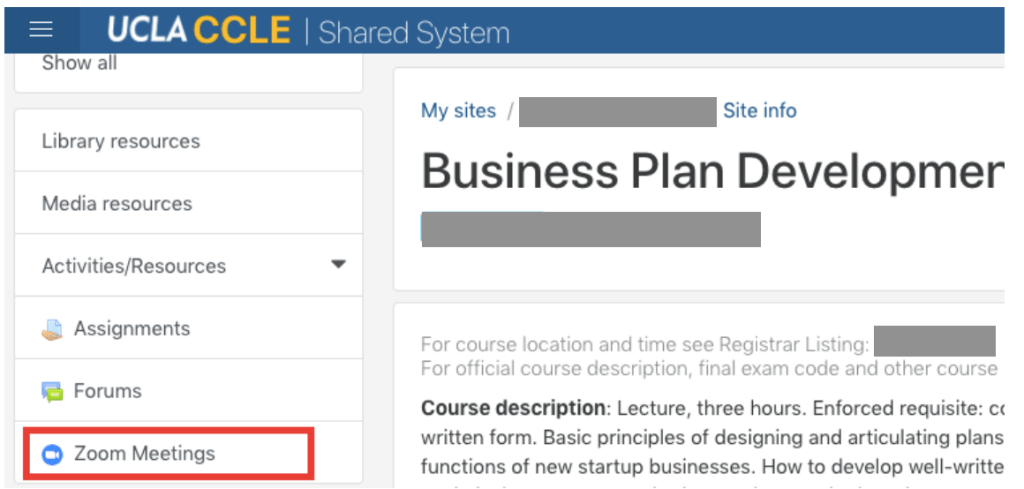
- Joining a Zoom Meeting from CCLE: Access the Zoom class sessions when it is time to start class from CCLE (see below). Please make sure your video is on to ensure everyone stays engaged during the class.
 Avery Zhou, Product Manager